DnD Worldbuilding Template: Build Your World in Notion
Worldbuilding in DnD falls apart when your notes are everywhere at once. Here's how to organize factions, locations, lore, and history in Notion — and how to skip the setup entirely.
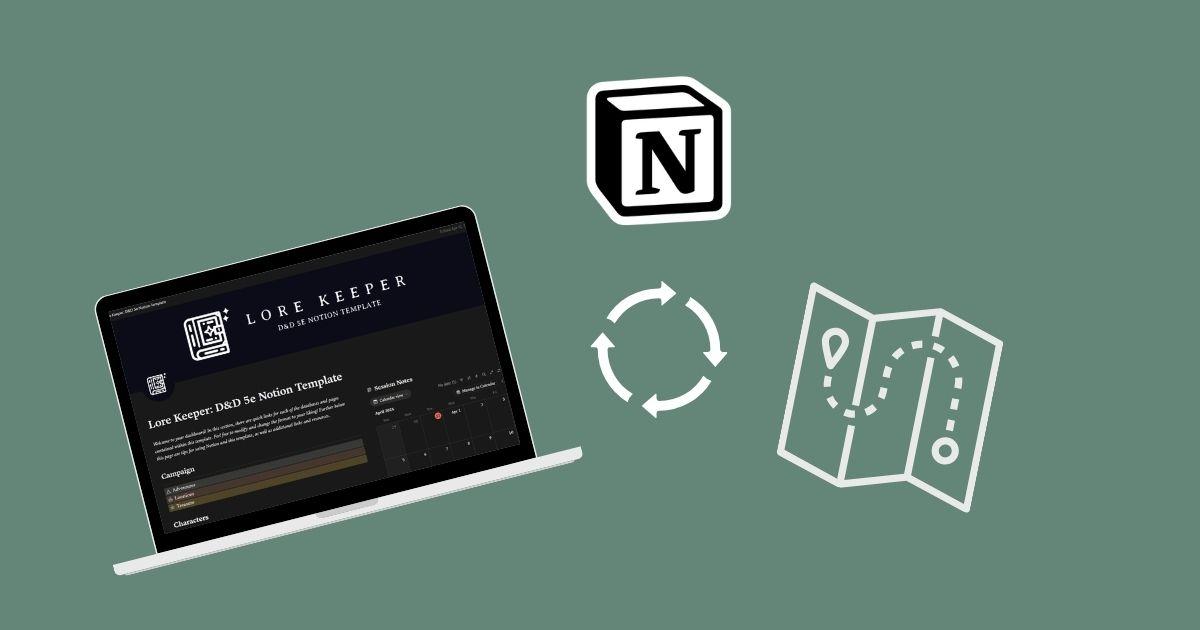
Most DMs start worldbuilding in the wrong place. You open a Google Doc, write a few paragraphs about your creation myth, name a city or two, and then session one arrives and none of it matters. By session five you have fragments everywhere — a faction named in one doc, a deity mentioned in another, NPC relationships that contradict each other because you can't find where you wrote things down.
The problem isn't how much you've built. It's that your worldbuilding has no structure. Without a system that cross-references your factions, locations, history, and characters, everything lives in isolation — and isolation is where worldbuilding dies.
This guide covers what a solid DnD worldbuilding template actually needs, why Notion is the right tool for it, and how to set one up — either from scratch or the fast way.
What Your DnD Worldbuilding Actually Needs
Before thinking about tools, it's worth naming the actual categories your world needs to track. Most worldbuilding advice focuses on lore depth — cosmology, languages, ancient history. That stuff is fun, but it's not what a DM actually reaches for during prep.
A practical DnD worldbuilding template needs to cover these six things:
Factions
Every interesting campaign has factions — guilds, noble houses, cults, city watch, criminal syndicates. Each faction needs goals, resources, key members, and a relationship to the party. Factions drive plot. Without a clear reference, you forget what the Merchants' Guild actually wants by session twelve.
Locations
Locations need to exist at multiple scales: regions and kingdoms, cities and towns, specific dungeons and points of interest. Each location should connect to its NPCs, relevant history, and any active adventures. When your party enters a new city, you want to be able to pull up everything relevant in one place.
Deities and Pantheon
Religion shapes culture, conflict, and NPC motivation in ways most DMs under-track. Your pantheon database should include each deity's domain, alignment, clergy NPCs, holy sites, and any tensions with other gods. Link clergy NPCs back to your NPC database and the connections become automatic.
World History and Timeline
A timeline of major historical events gives you hooks for lore drops, backstory context, and adventure seeds. It doesn't need to be comprehensive — just the events your players might encounter echoes of. Ancient wars, fallen empires, catastrophes, founding moments.
NPC Relationships
NPCs are more useful when you can see how they connect. Who does this person work for? Who do they distrust? What do they want? NPC entries linked to factions, locations, and active adventures turn a list of names into a living cast of characters.
Lore and Miscellany
Everything else — languages, customs, local myths, secret societies, prophecies. This is the texture that makes your world feel real. It doesn't need to be massive, but it needs to be findable when you need it mid-session.
Why Notion Works for DnD Worldbuilding
A lot of DMs end up on World Anvil for worldbuilding. It's purpose-built for it and the community is great. But it's also expensive for the full feature set, complex to learn, and entirely separate from your campaign management workflow.
Notion solves the worldbuilding problem and the campaign management problem in the same place. Here's why it works:
- Linked databases — the core feature. A faction entry can show every NPC who belongs to it, every location it controls, every adventure it's involved in. No manual cross-referencing, no flipping between documents.
- Multiple views — see your locations as a gallery, your factions as a table, your NPCs filtered by city. Same data, different angles.
- Free tier — unlimited pages and databases. You don't pay anything for the worldbuilding features you actually need.
- Shareable — give players access to a public world wiki while keeping DM-only notes locked down.
- Works everywhere — desktop, mobile, tablet. Reference mid-session without switching apps.
For a deeper look at how Notion compares to other campaign organization tools, see our Notion DnD campaign planner guide.
How to Set Up a Worldbuilding Workspace in Notion from Scratch
If you want to build your own, here's the structure. Budget 6–12 hours to do it properly — more if you want everything polished before you start using it.
Create Your Core Worldbuilding Databases
Start with five databases that cover the essentials:
- Locations — fields: type (region/city/dungeon/poi), connected faction, controlling NPCs, active adventure, secrets, historical events.
- Factions — fields: alignment, goals, resources, key members (linked to NPCs), territory (linked to Locations), relationship to party.
- NPCs — fields: faction, home location, motivation, secret, relationship to party, alive/dead status, connected adventure.
- Deities — fields: domain, alignment, clergy NPCs, holy sites (linked to Locations), relationship to other deities, active worshippers.
- History — fields: date/era, event type, linked locations, linked factions, impact on current events.
Add Relation Fields to Link Everything
Each database needs Relation fields pointing to the others. The key links:
- Factions → NPCs (who belongs to this faction?)
- Factions → Locations (what territory do they control?)
- Locations → NPCs (who lives or operates here?)
- Deities → NPCs (who are their clergy?)
- History → Locations (where did this happen?)
- History → Factions (who was involved?)
Once these are in place, pulling up any entry in your world reveals its full context automatically. A location shows its faction, its NPCs, its relevant history, and its active adventure — without you having to search for any of it.

Build a Lore Reference Page
Beyond the structured databases, create a freeform Lore page where you keep miscellaneous world details that don't fit neatly into a database row:
- Languages and scripts
- Cultural customs by region
- Prophecies and omens
- Local myths and legends
- Secret societies (linked back to your Factions database)
Keep this page linked from your dashboard and search it by keyword. It's your catch-all for flavor that doesn't need a full database entry.
Create a World Dashboard
A single overview page with linked views of each database gives you mission control for your world. During prep, you can scan active factions, see which locations are coming up in the campaign, and pull relevant history without digging through individual databases.
The dashboard is what turns a collection of databases into a workspace. Don't skip it.
The Easy Way: Lorekeeper's Worldbuilding Databases
If building from scratch sounds like a lot — it is. That setup time is real, and most DMs iterate through at least two versions before settling on a structure that actually matches how they run games.
The Lorekeeper 5e Notion template has the entire worldbuilding workspace pre-built. You get:
- Locations database — fully linked to NPCs, factions, and adventures
- Factions tracker — goals, members, territory, party relationship
- Deity and pantheon database — domains, clergy, holy sites
- World history timeline — eras, events, linked factions and locations
- NPC database — relationships, motivations, secrets, faction membership
- Lore reference section for miscellaneous world details
- All databases linked with Relation fields out of the box
- World dashboard pulling the most relevant views together
Duplicate it into your Notion workspace, rename the campaign, and start filling in your world. The structure is already there — you just add your content.

Lorekeeper also covers the campaign management side — adventures, session notes, loot, character profiles, and a full 5e SRD reference. It's one workspace for everything instead of a worldbuilding tool and a campaign tool that never talk to each other.
Lorekeeper — $17.99
Complete DnD worldbuilding and campaign management template for Notion. Works with a free Notion account.
Who This Is For
A Notion worldbuilding template works best for:
- DMs running homebrew campaigns — you need somewhere to keep the world you're inventing. Published settings have wikis; your homebrew doesn't.
- DMs who prep heavily — if you like knowing your world deeply before sessions, a structured workspace keeps that prep accessible rather than buried.
- DMs who've lost notes before — if you've ever had to ask “wait, what did we say that faction wanted?” mid-session, a linked database system fixes that.
- DMs running long campaigns — the payoff from a linked worldbuilding system grows over time. By session 20, having instant access to three years of faction history is invaluable.
It's less useful if you run one-shots or published modules with minimal homebrew additions. In those cases, a simpler setup is probably fine. But for a long-term campaign in a world you're building, the structure pays off fast.
Also worth reading: The best Notion templates for DnD — covers all the Minva Notion templates including options for players, one-shot runners, and non-5e systems.
Frequently Asked Questions
What should a DnD worldbuilding template include?
A good template covers factions and their goals, locations at multiple scales, a deity and pantheon tracker, a world history timeline, NPC relationships, and a lore reference section. These need to be cross-linked so any entry surfaces its full context automatically.
Is Notion good for DnD worldbuilding?
Yes. Notion's linked databases are uniquely suited to worldbuilding — you can connect factions to their NPC members, locations to their history, and deities to their clergy. Everything cross-references, which is exactly what a living world needs. The free tier covers everything most DMs need.
How long does it take to build a DnD worldbuilding workspace from scratch?
A fully linked worldbuilding workspace typically takes 6–12 hours to build from scratch — setting up databases, adding relation fields, and writing page templates. Using a pre-built template like Lorekeeper gets you set up in under 5 minutes.
Can I share my Notion worldbuilding notes with my players?
Yes. Notion lets you share specific pages or filtered database views with your players — a public world wiki or faction guide without exposing your DM notes. You control exactly what each person can see.
Does Lorekeeper include worldbuilding databases or just campaign management?
Both. Lorekeeper includes a full worldbuilding section — locations, factions, deities, and lore — all linked to the campaign management side. One workspace for everything.
Ready to build your world in Notion?
Get Lorekeeper — a complete DnD worldbuilding and campaign management template for Notion. Pre-built, pre-linked, ready in minutes.